


10
Sep
2026
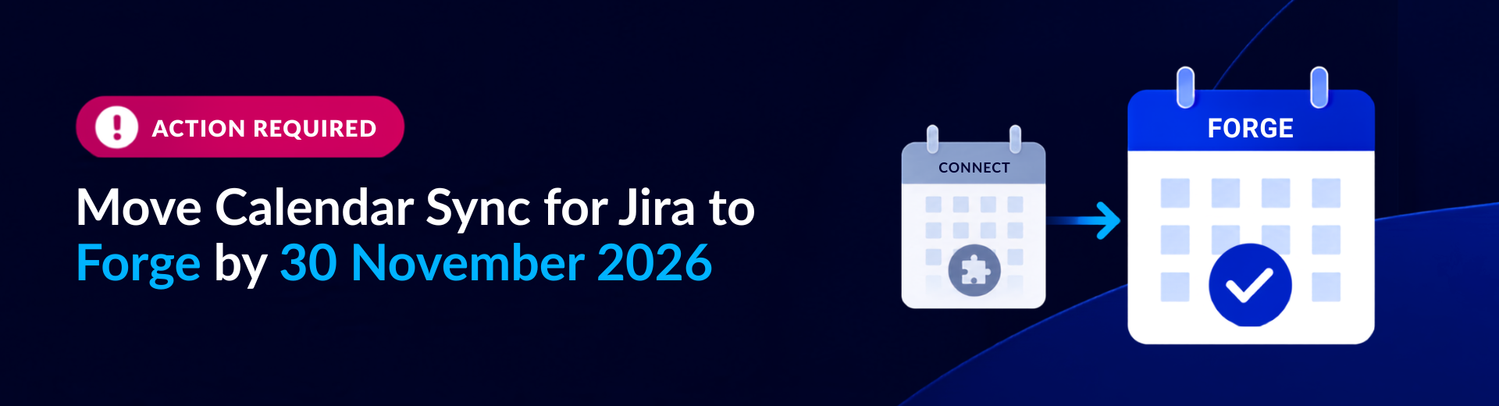
Action Required: Migrate Calendar Sync for Jira to Forge version
Calendar Sync for Jira has been rebuilt on Atlassian's Forge platform in line with Atlassian's retirement of the Connect framework. Due to differences in the development platforms, existing Calendar Feeds cannot be migrated automatically and will need to be recreated in the Forge version.
What you need to know
- The Connect version of Calendar Sync for Jira will be retired on November 30, 2026 (AEST).
- After this date, Calendar Sync for Jira will only be available for Cloud on Forge.
- Calendar Feeds will need to be recreated in the new Forge version of the app.
Recreating your configuration
Due to the complexity and platform differences between Connect and Forge, existing Calendar Feeds cannot be migrated automatically.
To support your migration, we're providing a 3-month free promotional code for the Forge version. This gives you time to recreate your functionality before the Connect servers are shut down.
Promo Code
TUJ9C5
What you need to do
- Install the Forge version of Calendar Sync for Jira and apply the promo code.
This will mean you have two versions of the app running in your cloud instance. - Recreate each feed, as closely as possible, in the Forge version.
Please refer to Feature Parity in our documentation for what is and isn’t available. - Import your feeds into your Calendar once they are ready
See how to do this here - Cancel your subscription to the original app
Once you are happy with the configuration, you can cancel your subscription to the original app. - Do this before November 30, 2026 (AEST) so you don’t lose event syncs to your Calendar.
Need help?
If you have any questions about the migration or need assistance recreating your configuration, our team is here to help.
Please complete your migration before 30 November 2026 (AEST).
After this date, the Connect version will be retired, and Calendar Sync for Jira will only be available for Cloud on Forge.